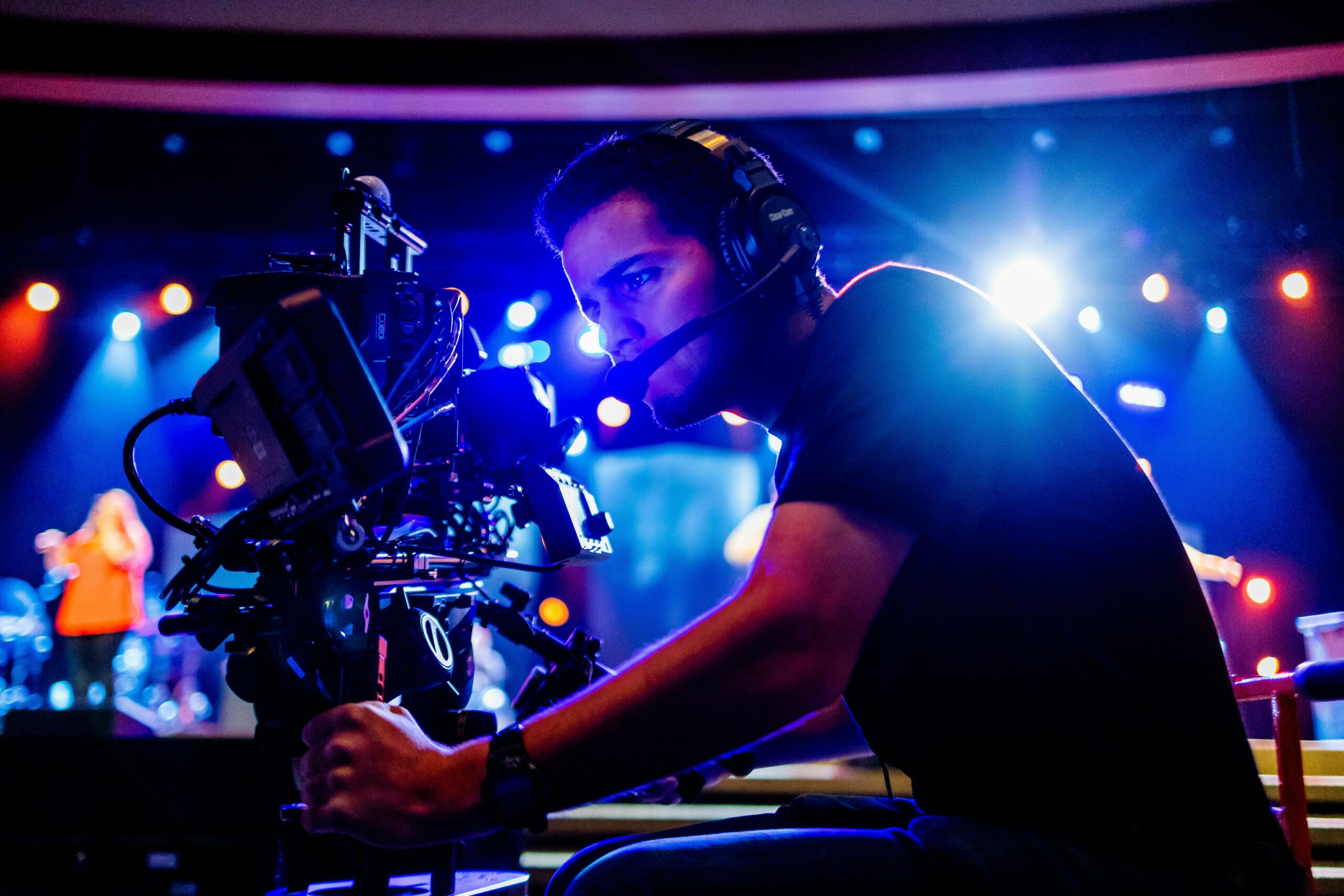
Creating an event highlight video is one of the most powerful ways to extend the life of your event and boost engagement long after the day is over. Whether it’s a corporate conference, a product launch, a music festival, or a non-profit gala, a well-produced highlight video can capture the energy, excitement, and key moments — making your event unforgettable.
In this guide, we’ll show you how to create an event highlight video that not only grabs attention but also drives maximum engagement online.
Why You Need an Event Highlight Video
An event highlight video offers several benefits:
- Extends your event’s reach by showcasing the best moments to a wider audience
- Boosts social media engagement through shareable content
- Strengthens your brand image with professional storytelling
- Attracts future attendees for your next event by showcasing success
- Provides valuable marketing material for sponsors, partners, and internal teams. Discover three proven strategies associations are using to unlock greater value from event video content—from marketing reuse to sponsor engagement.
According to HubSpot, video marketers get 66% more qualified leads per year and achieve a 54% increase in brand awareness (Source).
Step-by-Step: How to Create an Event Highlight Video
1. Plan Ahead
Before the event even starts, define:
- Key moments you want to capture (speeches, crowd reactions, behind-the-scenes shots)
- Tone and style (energetic, emotional, inspirational)
- Target audience (potential customers, attendees, sponsors)
Create a shot list and communicate with your video team in advance.
2. Capture a Variety of Shots
To create a dynamic event highlight video:
- Get wide shots of the venue and crowd
- Use close-ups for emotional reactions
- Film interviews with attendees or speakers
- Capture B-roll footage: decorations, food, networking, etc.
Pro Tip: Use drones for stunning aerial shots if appropriate!
3. Focus on Storytelling
The best event highlight videos tell a story, not just a random collection of clips. Structure your video like this:
- Opening: Establish the event setting
- Middle: Showcase key moments, energy, and audience engagement
- Ending: End on a high note — a major speaker, crowd cheering, or fireworks
4. Keep It Short and Impactful
Attention spans are short. Keep your highlight video between 60 seconds and 3 minutes, depending on the platform:
- Instagram/Facebook: 30–90 seconds
- YouTube/LinkedIn: 2–3 minutes
Highlight the most exciting parts early to hook viewers immediately.
5. Use Music Strategically
Choose music that matches the mood you want to convey:
- Upbeat for energetic conferences
- Inspirational for charity galas
- Dramatic for product launches
Make sure you have the proper music licensing rights (use royalty-free music or licensed tracks).
6. Add Branding and Call-to-Action (CTA)
Don’t forget to:
- Include event logos and branding elements
- Add a CTA at the end (e.g., “Join us next year!”, “Learn more at [website]”, “Follow us for updates”)
7. Optimize for Different Platforms
Edit multiple versions of the video tailored for:
- Instagram Stories/Reels (vertical format)
- YouTube/LinkedIn (horizontal format)
- Facebook (square format works best)
8. Distribute Smartly
Maximize the video’s reach by:
- Posting it on social media with engaging captions
- Sending it to your email subscribers
- Featuring it on your website
- Sharing it with event sponsors and partners
Final Thoughts
An event highlight video is more than just a recap — it’s a dynamic storytelling tool that can boost your brand’s visibility, engage your audience, and create lasting memories of your event. By planning strategically, focusing on key moments, and leveraging powerful editing techniques, you can create a video that not only captures attention but also drives real results. See how other associations are extending the life of their video assets with smart, scalable post-event strategies.
Invest the time and resources into producing a high-quality video, and it will pay dividends in marketing, brand loyalty, and future event success.
FAQs About Event Highlight Videos
How long should an event highlight video be?
Ideally, 1–3 minutes. Keep it short and punchy to maintain viewer attention.
What is the best time to post my event highlight video?
Post it within 24-48 hours after the event, while excitement is still fresh. Quick turnaround boosts engagement.
What equipment do I need for an event highlight video?
A professional camera, tripod, microphone, and gimbal are basics. For bigger productions, consider drones and multi-camera setups.
Can I create an event highlight video myself?
Yes, if you have basic videography skills. But for larger events, hiring a professional video production team ensures better quality.
How much does it cost to produce an event highlight video?
Costs can range from $500 to $5,000+, depending on the complexity, team size, and production quality needed.