Livestream event production has come a long way. Audiences now expect a crisp, reliable experience, whether they’re tuning in for a keynote, a product reveal, or a hybrid event happening across the country. And while platforms make it easy to hit “Go Live,” delivering a smooth stream takes real planning—not luck.
From mapping out your run of show to managing audio, lighting, cameras, graphics, and post-event playback, every choice shapes how your viewers experience the moment. When those pieces work together, people stay engaged, your message lands clearly, and your team feels in control instead of scrambling.
This guide breaks down the best practices for livestream event production—what equipment to consider, where mistakes typically happen, and how to create a viewing experience that feels polished from the first frame to the final sign-off.
What is Livestream Event Production?
Livestream event production is the process of broadcasting an event in real time through digital platforms. Live streaming services offer interactive features to make the experience more engaging for audiences who aren’t in the same room. In practice, that can involve tools such as chats or polls, integrating professional-grade equipment, and ensuring high-quality content delivery for remote audiences. While the concept of livestreaming may sound simple, its execution involves careful planning, technical expertise, and an understanding of the audience.
You’ll see livestream production used for everything from corporate seminars and virtual trade shows to educational webinars, concerts, and hybrid events that blend in-person and online audiences.
Planning Your Livestream Event
The foundation for a successful livestream lies in meticulous planning. Here’s how to kick things off:
1. Define Your Objective and Audience
Before you start, ask yourself, Why are you going to livestream? Are you hosting a corporate event? Promoting a product? Engaging audiences with real-time event coverage of a concert? Understanding who your audience is will help you understand their preferences, which will, in turn, shape every decision, from the platform you choose to the content you present.
2. Choose the Right Type of Event
Depending on your goals, decide whether your event will be fully virtual, a hybrid event, or a live broadcast. Each type has unique requirements. For example:
- Virtual Event Production: 100% online, requiring strong streaming infrastructure.
- Hybrid Event Production: Needs a mix of in-person and online setups to cater to both audiences.
- Live Broadcast Production: Streams high-quality video to large audiences in real-time, often heavily dependent on professional-level streaming equipment.
3. Test Internet Bandwidth
A stable internet connection is non-negotiable. A minimum upload speed of 10 Mbps is recommended for 1080p HD broadcasting. For higher resolutions, an upload speed of 25 Mbps or more is ideal. Always perform speed tests in advance to avoid mid-event disruptions.
4. Pick a Reliable Streaming Platform
Select a platform that aligns with your event goals. Popular live streaming services like YouTube Live, Vimeo, Twitch, and Zoom can meet various needs, including community interaction, monetization options, and private access.
Essential Streaming Equipment and Setup
Technical reliability is key. Your event’s success depends on the quality of your streaming equipment and setup process.
1. Streaming Equipment
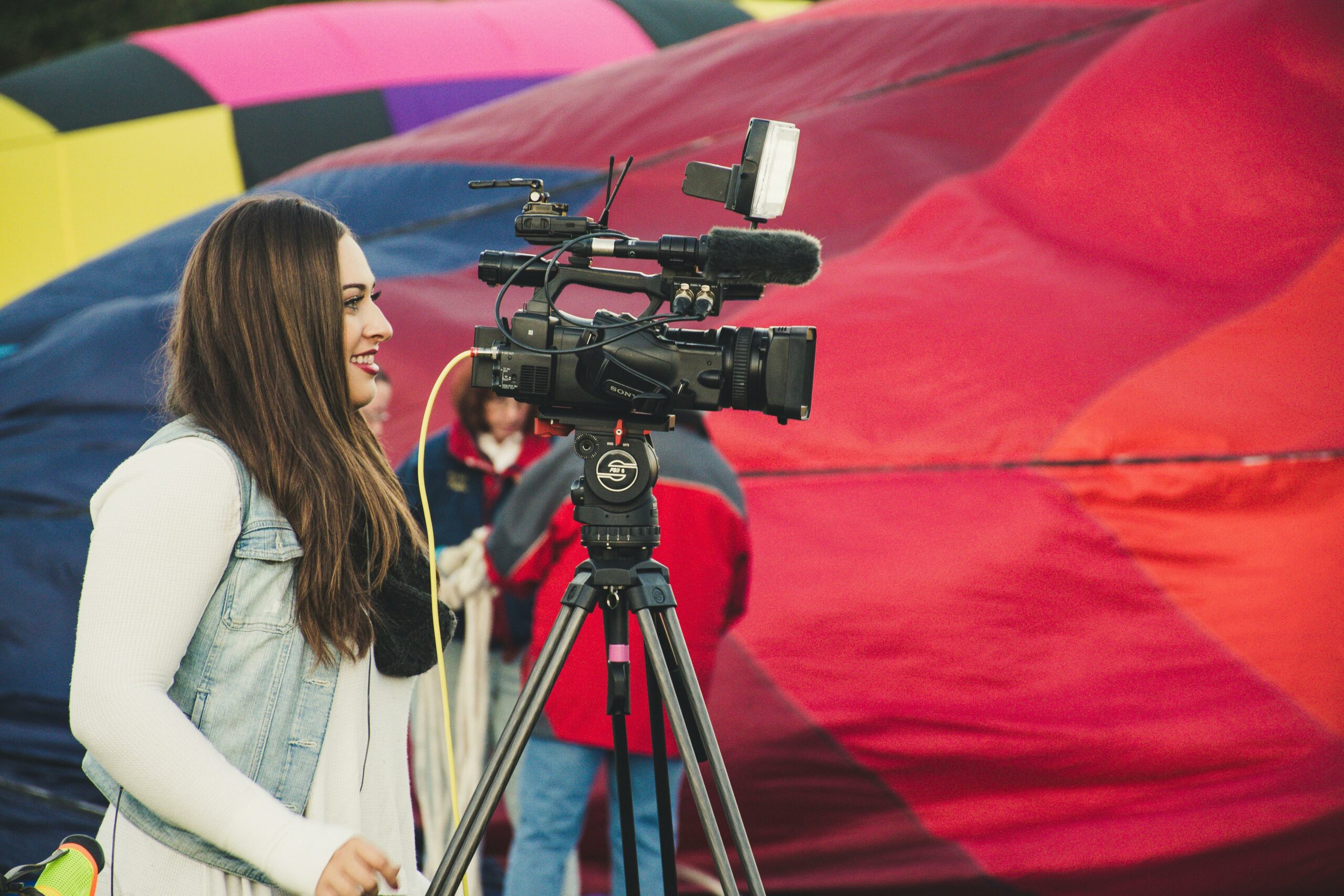
Invest in high-quality hardware to capture professional-grade video and audio. Essential equipment includes:
- A high-resolution camera.
- Quality microphones for crisp sound.
- A lighting setup to improve video visibility.
- Capture cards to convert and stream digital input.
2. Encoder Setup for Broadcasting
Encoders convert raw video/audio input into a digital format for live streaming. Choose between hardware and software encoders based on your budget and expertise. OBS Studio (software) and ATEM Mini Pro (hardware) are popular choices for encoding.
3. RTMP Stream Configuration
Many streaming platforms rely on RTMP (Real-Time Messaging Protocol) to transport data quickly. Configuring your encoder to broadcast via RTMP allows seamless delivery to platforms like Facebook Live or YouTube.
4. Audio/Video Sync
Nothing disrupts a live broadcast more than lagging audio or mismatched visuals. Always test audio/video sync before going live. Many modern cameras and microphones offer delay correction settings to keep everything aligned.
Best Practices for Seamless Livestreams
To ensure a smooth experience for both organizers and viewers, follow these best practices:
1. Conduct a Technical Rehearsal
A dry run allows you to test every element, from your internet bandwidth to sound quality. Check transitions, camera angles, mic levels, and encoding settings during the rehearsal.
2. Prioritize Viewer Engagement
If you were watching a livestream and all you could do was stare at the screen, how long would you stick around? Give people ways to participate. Live polls, chat, Q&A sessions, and simple prompts keep viewers active instead of passive. This matters even more in hybrid event production, where the right interactive moments help the online audience feel connected to the energy in the room.
3. Ensure Redundancies
Have backup hardware for critical connections like cameras, mics, and cables. For internet reliability, consider bonding multiple connections for failover support.
4. Optimize for Playback
After the livestream wraps, think about how members will use the recording. Clean up the file before posting—trim dead space, remove glitches, and tighten the flow so it feels like a resource worth returning to. Associations get a lot of mileage from polished replays: they can support CE, anchor a content hub, fuel onboarding, or serve as evergreen learning for members who couldn’t attend live. You can also repurpose key moments into a quick highlight video for easy consumption. And if you add timestamps, members can jump right to the sessions or speakers most relevant to them.
5. Monitor Analytics
Use the analytics on your chosen platform to evaluate performance metrics. These insights offer valuable information on drop-off points, demographics, and popular replay sections, enabling you to optimize future events.
Troubleshooting Common Livestream Challenges
Even with careful preparation, issues can arise. Here’s how to address some common problems:
- Audio Distortion: Use noise gates and compressors to manage sudden spikes.
- Pixelation in Video: Monitor internet bandwidth requirements and lower resolution settings if necessary.
- Connection Drops: Use wired Ethernet connections rather than Wi-Fi for optimal stability.
Final Thoughts
A smooth livestream doesn’t come down to luck. It comes from thoughtful planning, the right equipment, and a team that’s ready to adjust when things change in real time. Whether you’re running a virtual seminar, a member town hall, or a hybrid conference, preparation and flexibility are what keep the experience steady for everyone watching.
When you approach livestream production as part of your larger content strategy—not just a one-time broadcast—you get more out of every event. A polished replay or highlight reel can extend the moment well beyond the live audience, giving members an easy way to catch up, helping sponsors stay visible, and adding new value to your content hub.
Done well, your livestream doesn’t just deliver the event. It becomes an asset you can use again and again—supporting engagement long after the livestream ends.
FAQ – Livestream Best Practices
What is the minimum internet speed for high-quality livestreaming?
You’ll need an upload speed of at least 10 Mbps for 1080p live streaming. Higher resolutions like 4K may require an upload speed of 25 Mbps or more.
What’s the difference between hardware and software encoders?
Hardware encoders are standalone devices that offer specialized encoding but are usually pricier. Software encoders, like OBS Studio, run on your computer and are often free or low-cost, though they may consume more system resources.
How do I overcome audio/video sync issues in my livestream?
Test sync before going live. Many modern cameras and microphones have built-in options to adjust delay settings. Alternatively, use your encoder software’s synchronization tools.
What equipment do I need for hybrid event production?
For hybrid events, use high-quality cameras and microphones to capture the in-person audience, along with streaming equipment like encoders and capture cards to broadcast the event to remote viewers.
What popular live streaming services support interactive features?
Platforms like Zoom, Vimeo, and YouTube Live offer features like live chats, Q&A, and polling to engage audiences.